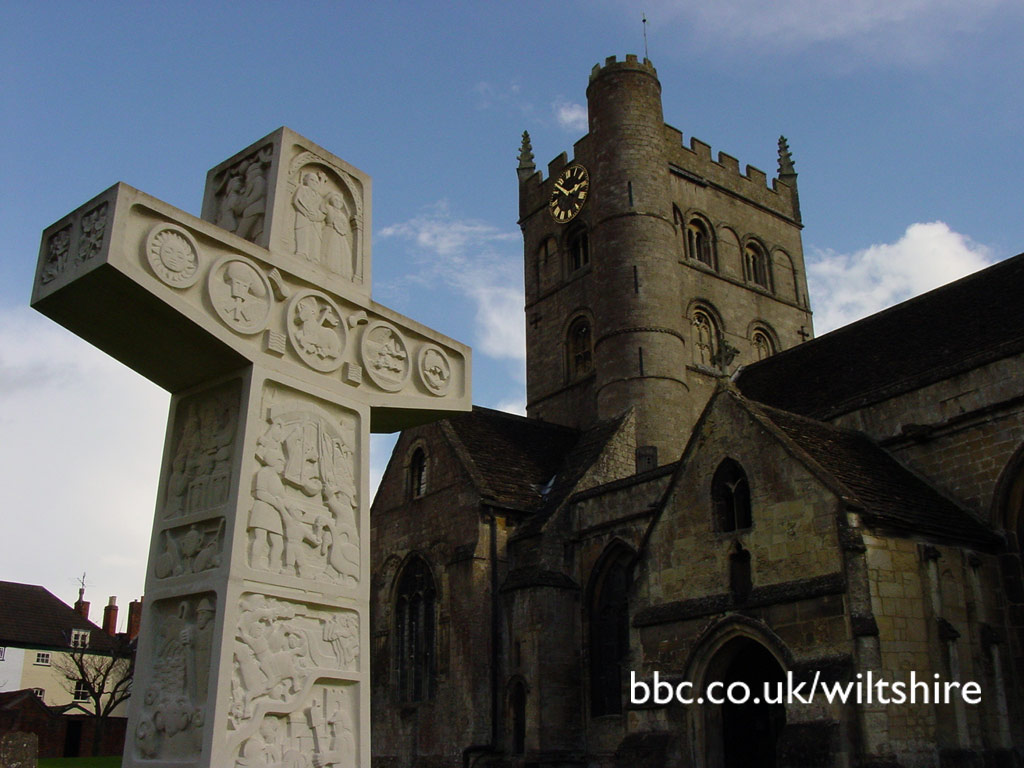
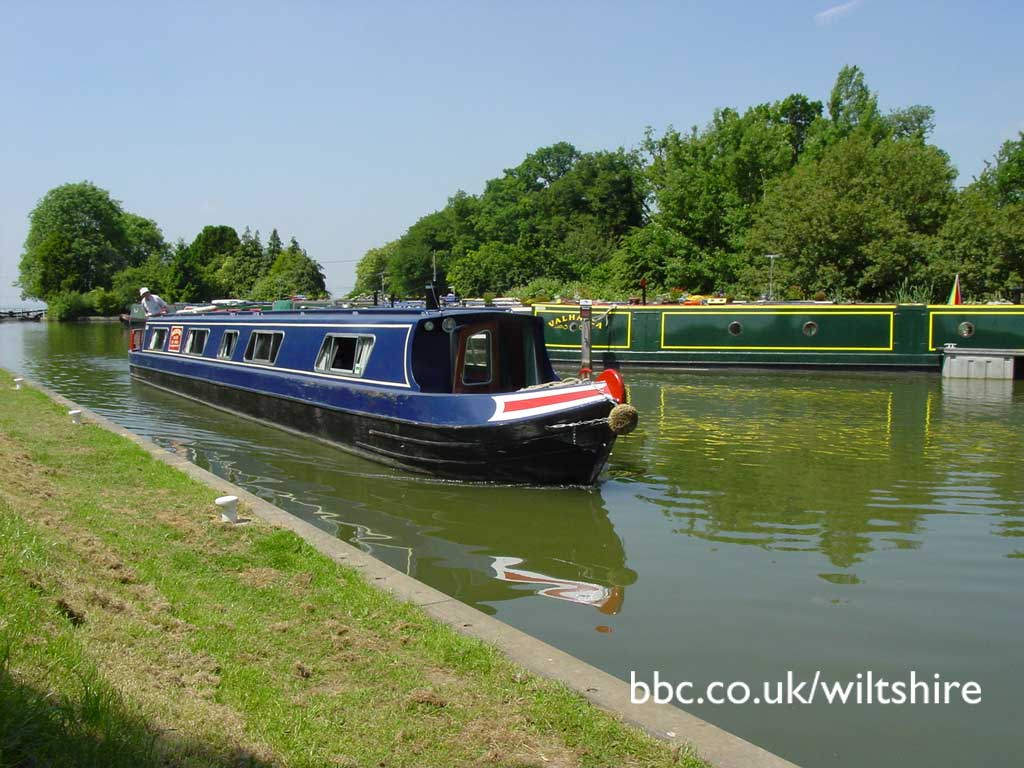
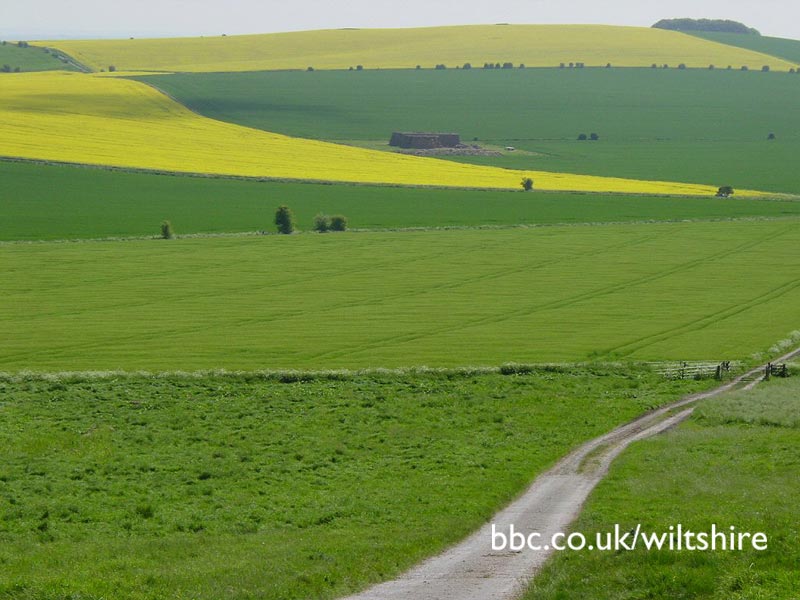
Bored
with your desktop? Want to brighten up your day? Fancy the idea
of gazing out over the Wiltshire countryside? No problem!
With
our exclusive BBC Wiltshire wallpaper you can redecorate
your workspace at the push of the button... and when you get
bored with your chosen image just come back to our image store
and pick up a new roll of Wiltshire wallpaper!
Installing
your wallpaper is easy - just follow the instructions below.
The images we have chosen are saved at a higher quality than
normal and so may take a little longer to download.
And
if you'd like to submit a picture to the BBC Wiltshire wallpaper
store, just attach your high quality jpegs to an email*addressed
to BBC Wiltshire.
*E-mail
your images to BBC Wiltshire. Formats can include JPGs, GIFs
and TIFs. We can also work with PSDs and BMPs. Alternatively
send copies to: BBC Wiltshire, Broadcasting House, Swindon,
SN1 3RW and enclose a stamped addressed envelope if you would
like your prints returned.
All
images are © BBC Wiltshire. Read our Terms & Conditions
here.
Installing
Wallpaper Windows
Windows
1.
Find out how big your screen is. Shrink your browser window
and click with the right mouse button on an empty piece of desktop.
A pop-up menu should appear. Select 'Properties'. A box will
appear with tabs across the top. Select the 'Settings' tab and
on the right-hand side of the box, it should say 'Desktop Area'
and tell you how big your screen resolution is.
2.
Come back to this webpage. Click on the PC link above that is
the same size as your screen. For screens bigger than 800x600
use the 1024x768 option. The picture should now load in your
browser.
3.
Click on the picture with your right mouse button and a menu
will appear. Select the 'Set As Wallpaper' option.
4.
Click on the 'back' button in your browser to return to this
page.
Mac
OS
1.
Find out how big your screen is. Click on the Apple menu, then
select 'Control Panels > Monitors & Sound'. A window will appear
telling you how big the resolution of your screen is.
2.
Come back to this webpage. Click on the link above that's the
same size as your screen, hold the mouse button down so that
a menu appears. Netscape users select 'Save this link As...'
and Internet Explorer Users select 'Download Link to Disk'.
Save the file to your desktop.
3.
Move the downloaded wallpaper file (?????.jpg) into your wallpapers
directory. First time users make a directory at the top level
of your hard disk called 'Wallpapers' and move it there.
4.
Click on the Apple menu, then select 'Control Panels > Desktop
Pictures'. A window will appear. On the left-hand side hit the
'Picture' button. On the right-hand side hit the 'Select Picture'
button. If you have a 'Remove Picture' button instead of a 'Select
Picture' button hit this and your current desktop wallpaper
will be removed, the 'Select Picture' button will now appear.
A file selector box will appear, choose your wallpapers directory
and then the wallpaper file (??????.jpg). Hit open followed
by 'Set Desktop'.